Recipe apps are designed for soloists.
12pt body text, ad-cluttered ingredient lists, "see more" buttons, scrolly tutorials with photos that re-flow when you tap. None of it works when you're standing at the stove with flour-covered hands and a kid who can't read cursive.
Cozi has a recipe box. So does Paprika. Neither has anything resembling a kitchen-mode UX. We built one in three days because it kept coming up in user interviews.
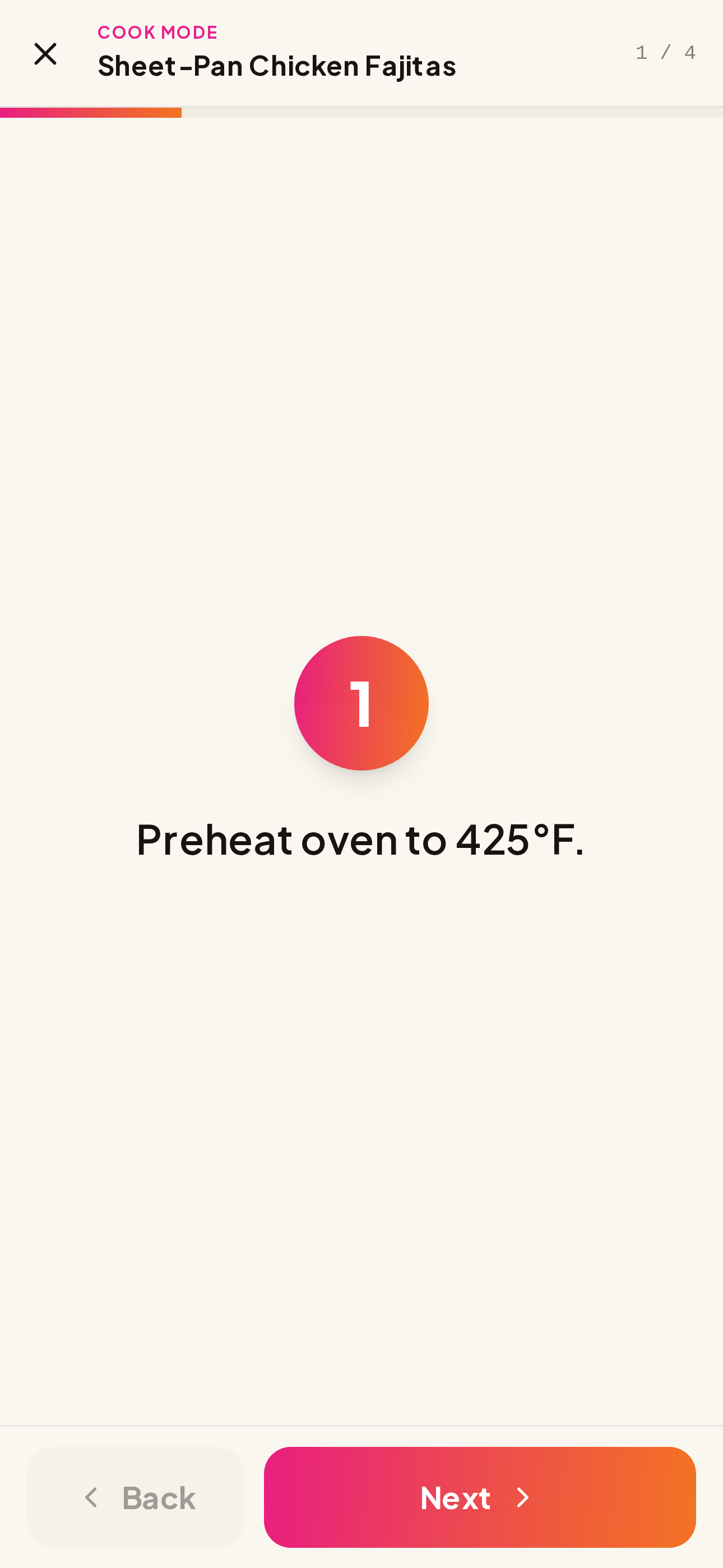
Tap "Cook with kids." Hand them the phone.
The recipe takes over the screen. Big step number badge (80px circle), 24–28px step text with a 28rem max-width for line-length sanity. Horizontal swipe to advance. Tap Back/Next if swiping is fiddly.
The killer detail: we parse every step for time hints. "Roast for 45 minutes" → an auto-suggested 45:00 countdown appears with Start / Pause / Reset. Hit Start, and a WebAudio ding + soft vibration triggers when the time's up. The screen stays awake through the whole flow via the Screen Wake Lock API (with a graceful fallback for Safari).
- Auto-timer parser handles "25 minutes", "2–3 minutes" (uses upper), "1 hour", "30 seconds" — 7 unit tests covering edge cases
- Wake-lock means no more "swipe to unlock" with sticky fingers
- Swipe gestures with a 60px threshold so accidental taps don't advance
- "All done!" finish CTA in accent color — visible state change so kids feel the win
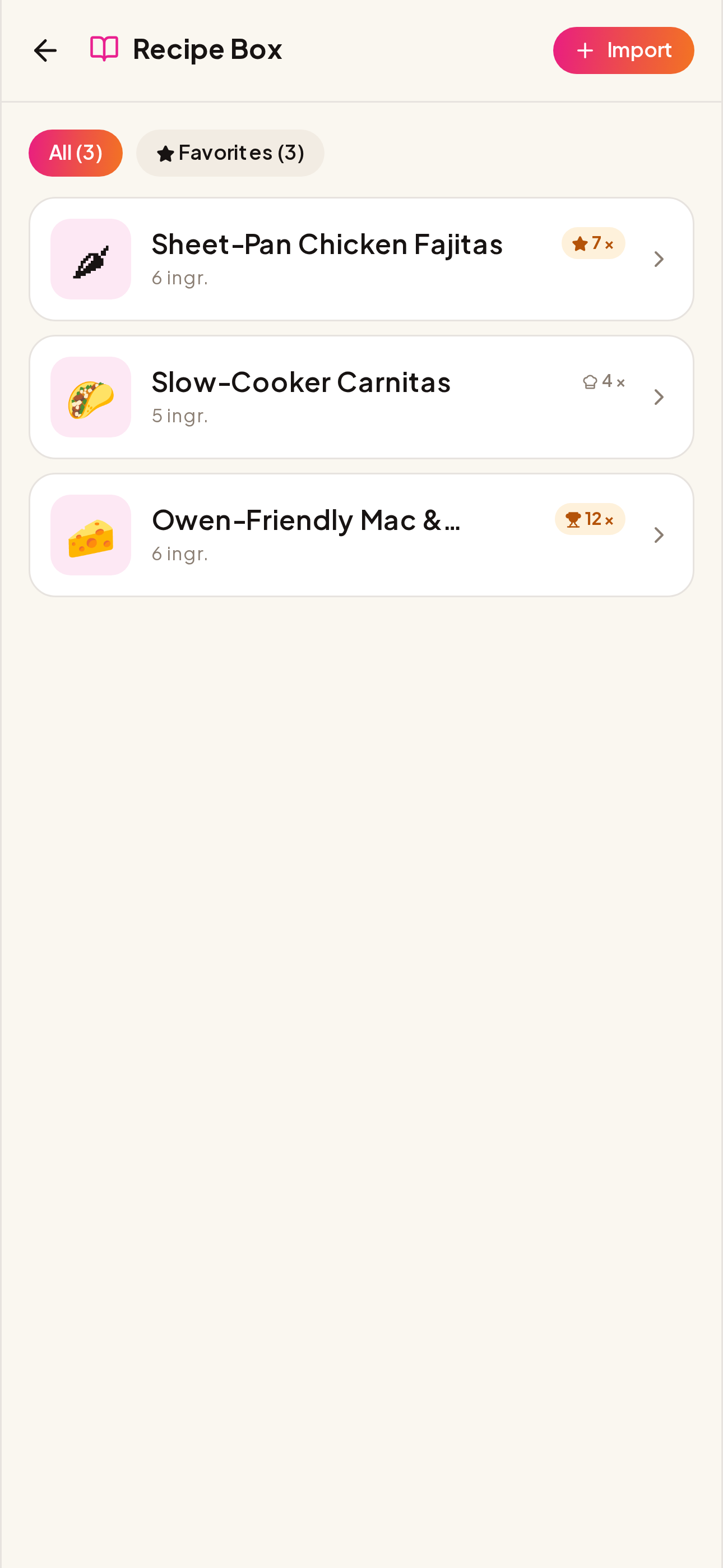
- Cook count + favorites — recipes you cook 5+ times become ⭐ Favorites; 10+ become 🏆 House Classics
Snap your result. We build the family memory.
Every cook flow ends with a "snap your result" step. Skip or photograph — your call. Photos compress to ~140KB via canvas, get stored as base64 on the family doc (FIFO-capped at 24 photos per recipe so the doc can't grow unbounded), and surface on Sunday's weekly recap.
The compounding effect: by month three, you've got a personal cookbook of what your family actually likes. Better than any AI recommendation engine.
- Rear-camera capture by default (`capture="environment"`)
- Tap-to-remove with confirm dialog
- Photo strip in the recipe detail — horizontal-scroll with date overlay
- Surfaces on Sunday recap photo strip
Built right, measured twice.
Related features
Make Tuesday-night chicken a family memory.
Our Life ships free, forever. Plus is $4.99/mo for unlimited AI meal planning. Cook mode is free for everyone.
Get the launch invite